FreeNo ads100% offlineJPG to PDFPNG to PDFDrag to reorderA4 & LetterPortrait & LandscapeNo data collectedFreeNo ads100% offlineJPG to PDFPNG to PDFDrag to reorderA4 & LetterPortrait & LandscapeNo data collected
How it works
Three steps. One PDF.
01
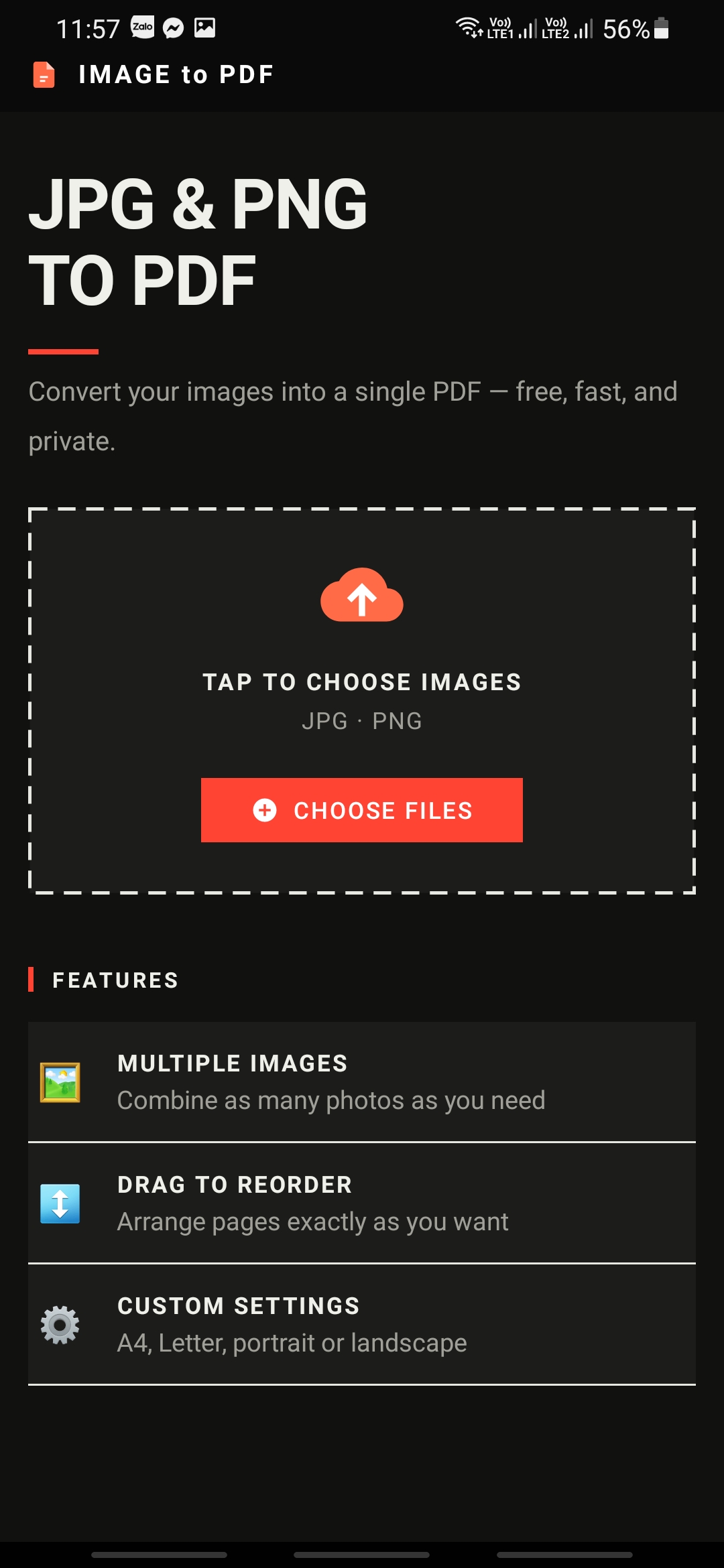
Choose Images
Tap to select one or multiple JPG or PNG photos from your gallery. No file size limit.
02
Arrange & Adjust
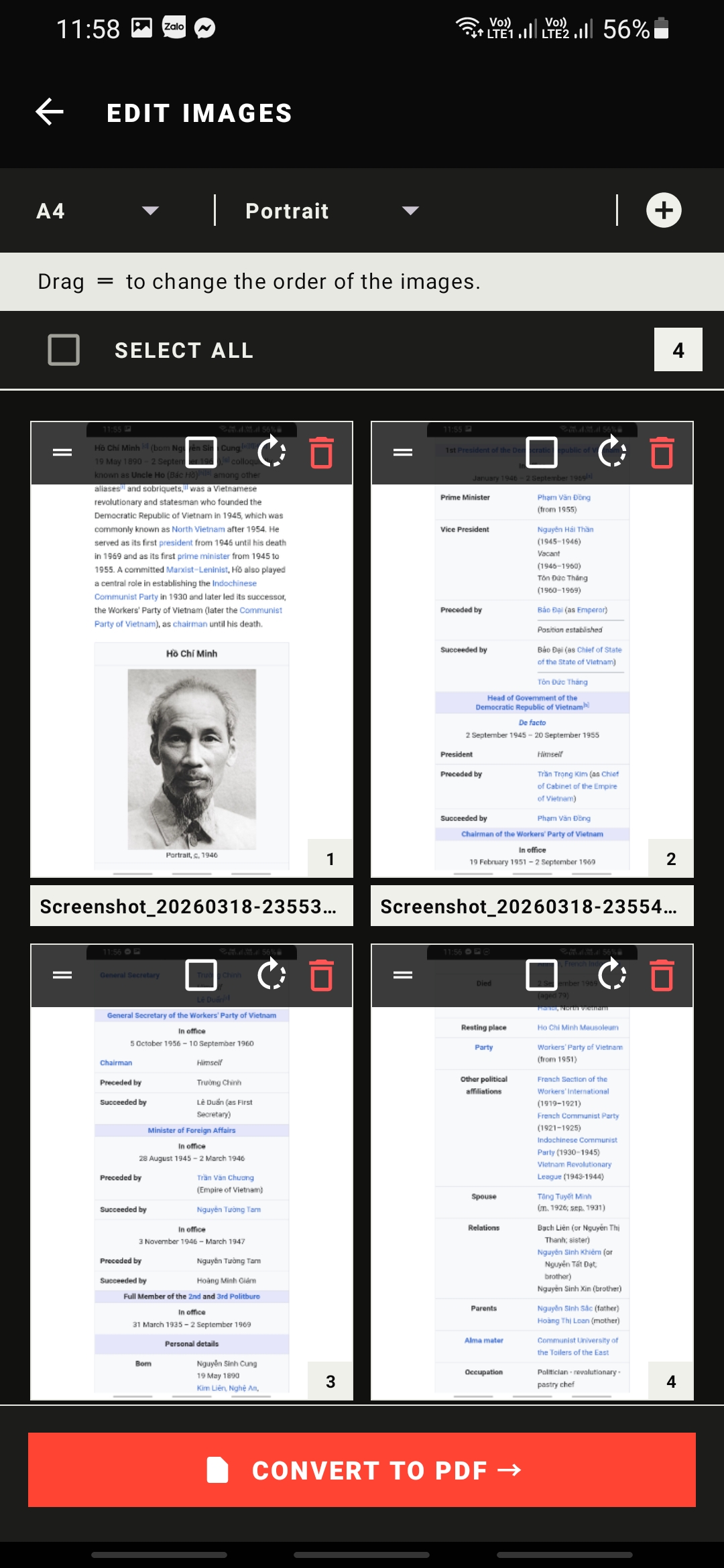
Drag to reorder pages, rotate images, select page size (A4, Letter, or Auto) and orientation.
03
Export Your PDF
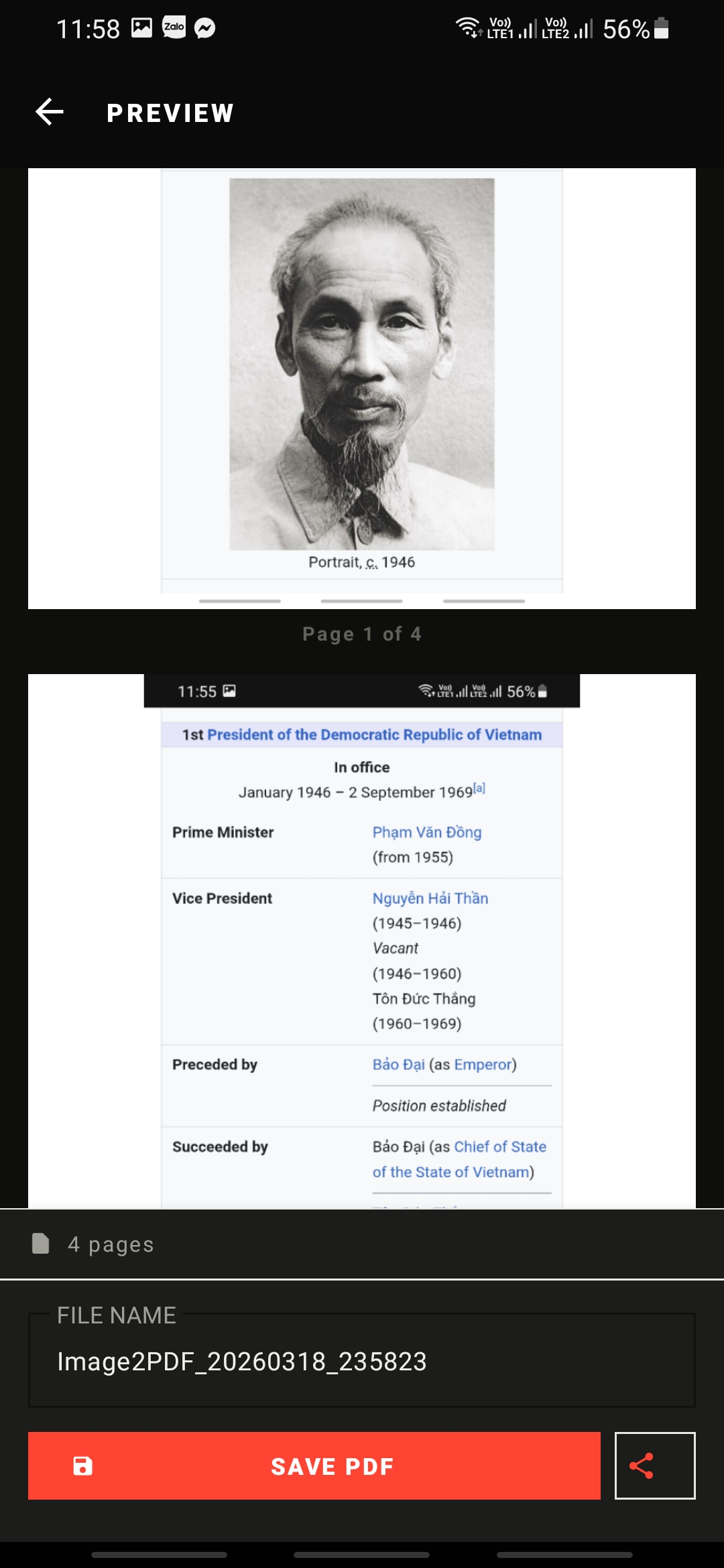
Preview every page, then save to any folder on your device or share directly to other apps.
Features
Built for real use.
Multi-image support
Select as many photos as you need in a single pass. Each image becomes one page in the final PDF.
Drag to reorder
Long-press the handle icon and drag any page to the exact position you want before converting.
Rotate & fix orientation
Rotate individual images or an entire selection by 90° — what you see in the editor matches the PDF output exactly.
A4, Letter & Auto size
Choose standard A4 or Letter page dimensions, or use Auto mode to fit each page to its image's native aspect ratio.
Full-resolution preview
Browse every page of your generated PDF at full quality before saving. Scroll through the entire document on-device.
Save anywhere & share
Pick any folder on your device via the system file picker, or share the PDF directly to any app — email, messaging, cloud storage.
Screenshots
See it in action.
① Home — Choose Images
② Edit — Arrange & Adjust
③ Preview — Save or Share
Legal
Privacy Policy
Last updated: March 18, 2026
100% offline — your images never leave your device
Overview
Image to PDF ("the app", "we", "us") is a free, open-use Android utility that converts image files into PDF documents entirely on your device. This Privacy Policy explains what information the app accesses, how it is used, and your rights as a user.
By using the app you agree to this policy. If you do not agree, please uninstall the app.
Information We Do Not Collect
We collect no personal data whatsoever. Specifically, the app does not:
Upload your images, documents, or any files to any server
Collect your name, email address, phone number, or any identifier
Track your location
Use analytics or crash-reporting services
Display advertisements
Require account registration or sign-in
Share any data with third parties
Permissions We Request
The app requests the following Android permissions solely to perform its core function:
READ_MEDIA_IMAGES (Android 13+) / READ_EXTERNAL_STORAGE (Android 9–12) —
Required to read the image files you select from your gallery.
The app only accesses files you explicitly choose through the system image picker.
WRITE_EXTERNAL_STORAGE (Android 9 and below only) —
Required to save the generated PDF file to your device.
On Android 10 and above the system file picker is used instead, requiring no storage write permission.
No other permissions are requested or used.
How Your Data Is Processed
All image decoding, PDF generation, and file writing occur entirely within the app process on your local device. No internet connection is required or initiated at any point during normal use.
Generated PDF files are stored temporarily in the app's private cache directory and are immediately discarded when you close the Preview screen or when the app's cache is cleared. The only permanent copy is the one you explicitly save using the "Save PDF" button to a location you choose.
Third-Party Libraries
The app uses the following open-source libraries, all of which run entirely on-device:
Glide — image loading and thumbnail display
AndroidX / Material Components — UI components (Google)
Kotlin Coroutines — background processing
None of these libraries transmit data externally when used within this app.
Children's Privacy
The app does not collect any information from anyone, including children under the age of 13. As no data is collected, the app complies with COPPA and similar regulations by design.
Changes to This Policy
If this policy is updated, the revised version will be published on this page with an updated "Last updated" date. Because no personal data is collected, changes are unlikely to affect your privacy in any meaningful way.
Contact
If you have questions or concerns about this privacy policy, please reach out via the contact email listed on the Google Play store listing for Image to PDF.